Tutorials, how-to guides, and tips for adding AI to your favorite messaging apps — no coding required.
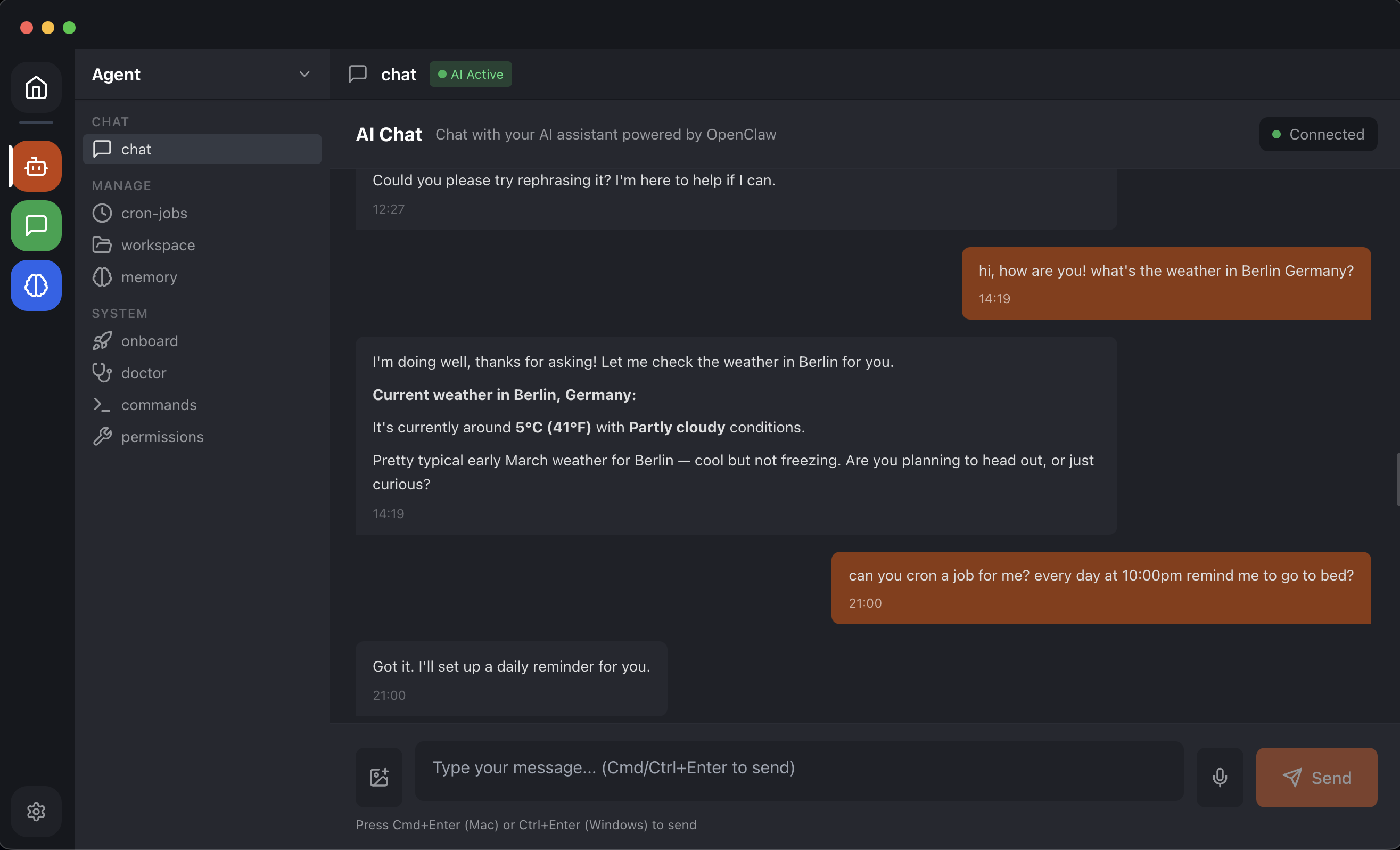
Create a Telegram AI bot that runs entirely on your desktop. No VPS, no cloud hosting, no DevOps knowledge required.
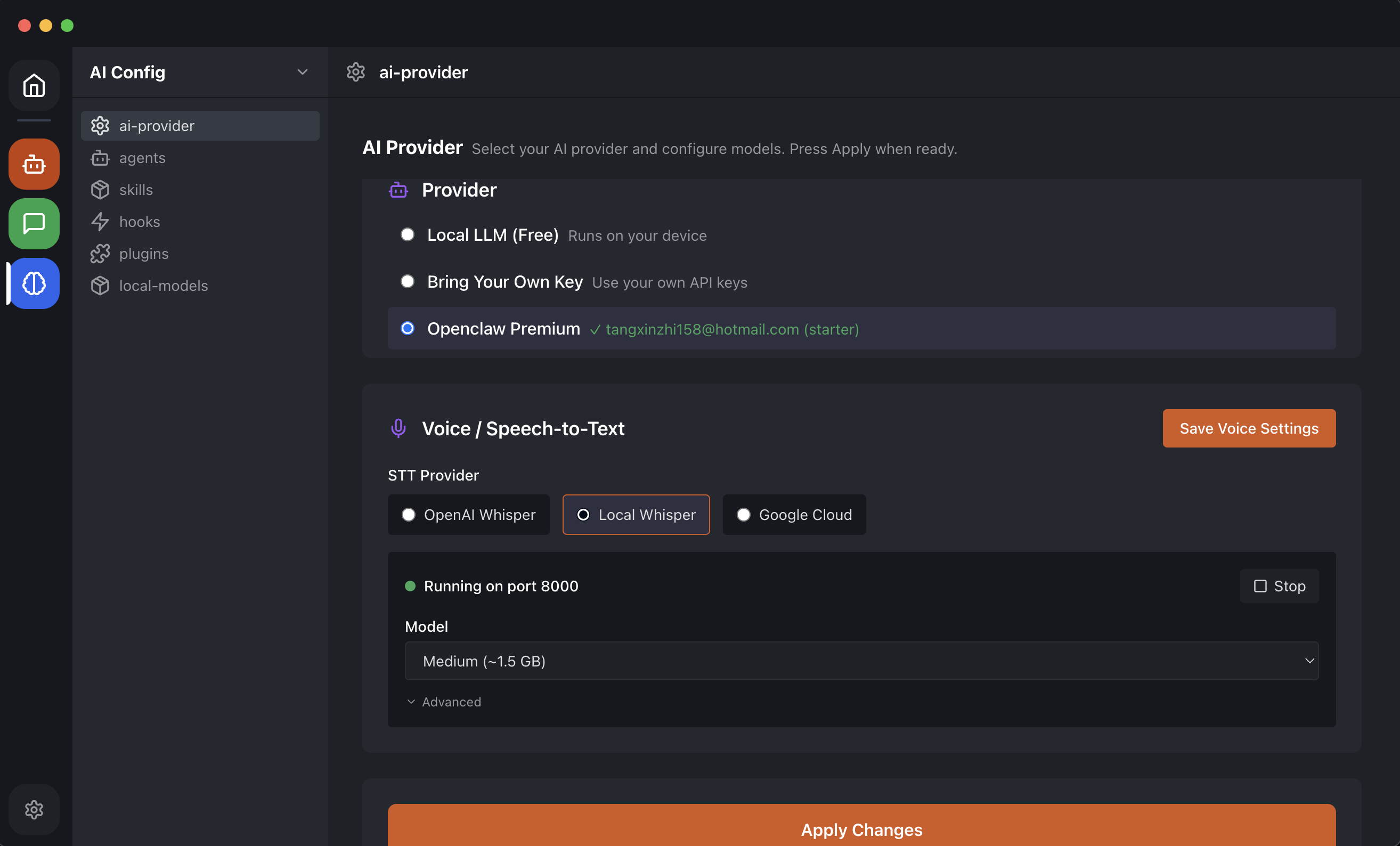
Connect a locally running LLM to WhatsApp for a fully private AI chatbot. Use Llama, Qwen, or DeepSeek models.
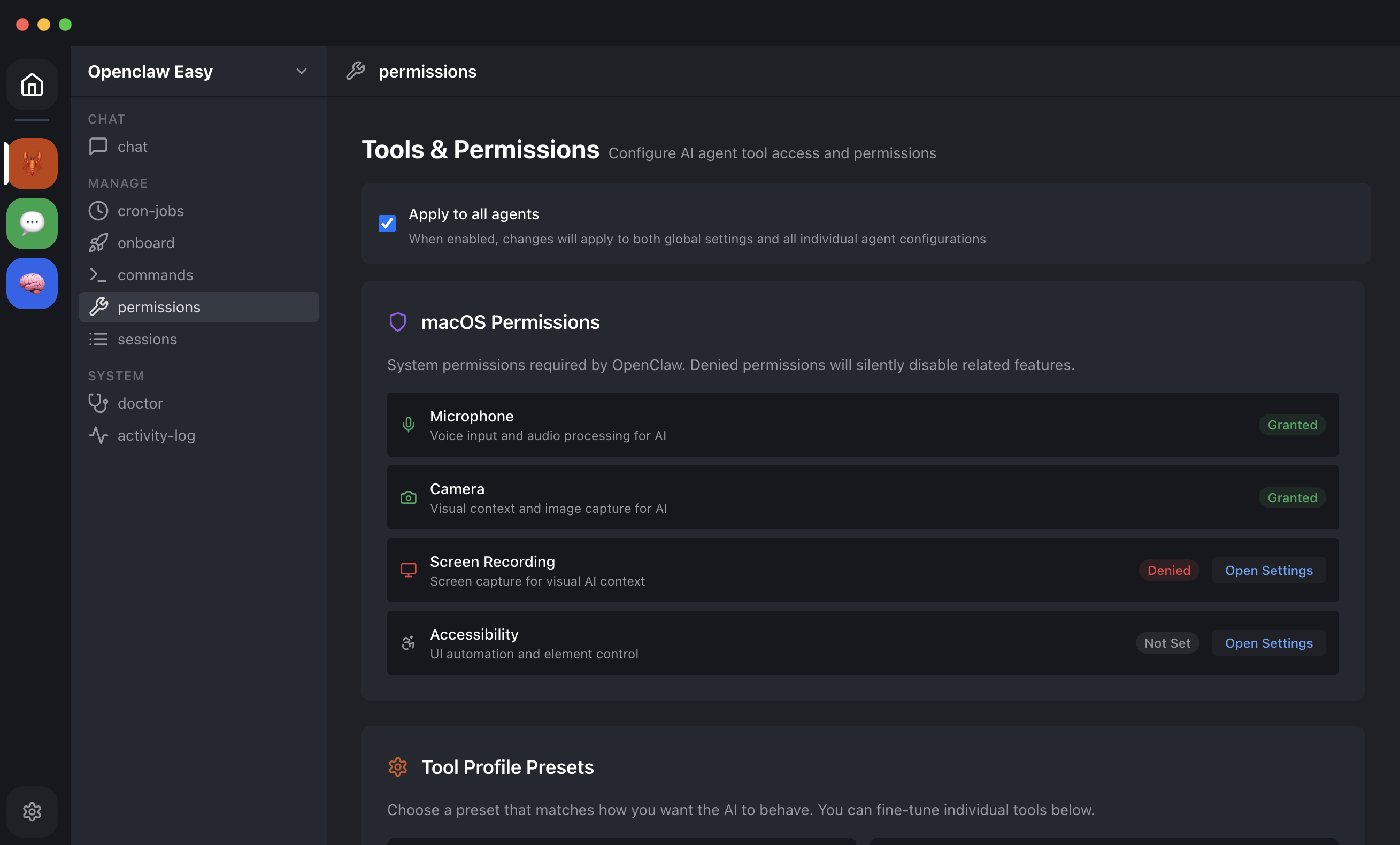
Why local-first AI matters for privacy and how OpenClaw Easy keeps your data on your machine.
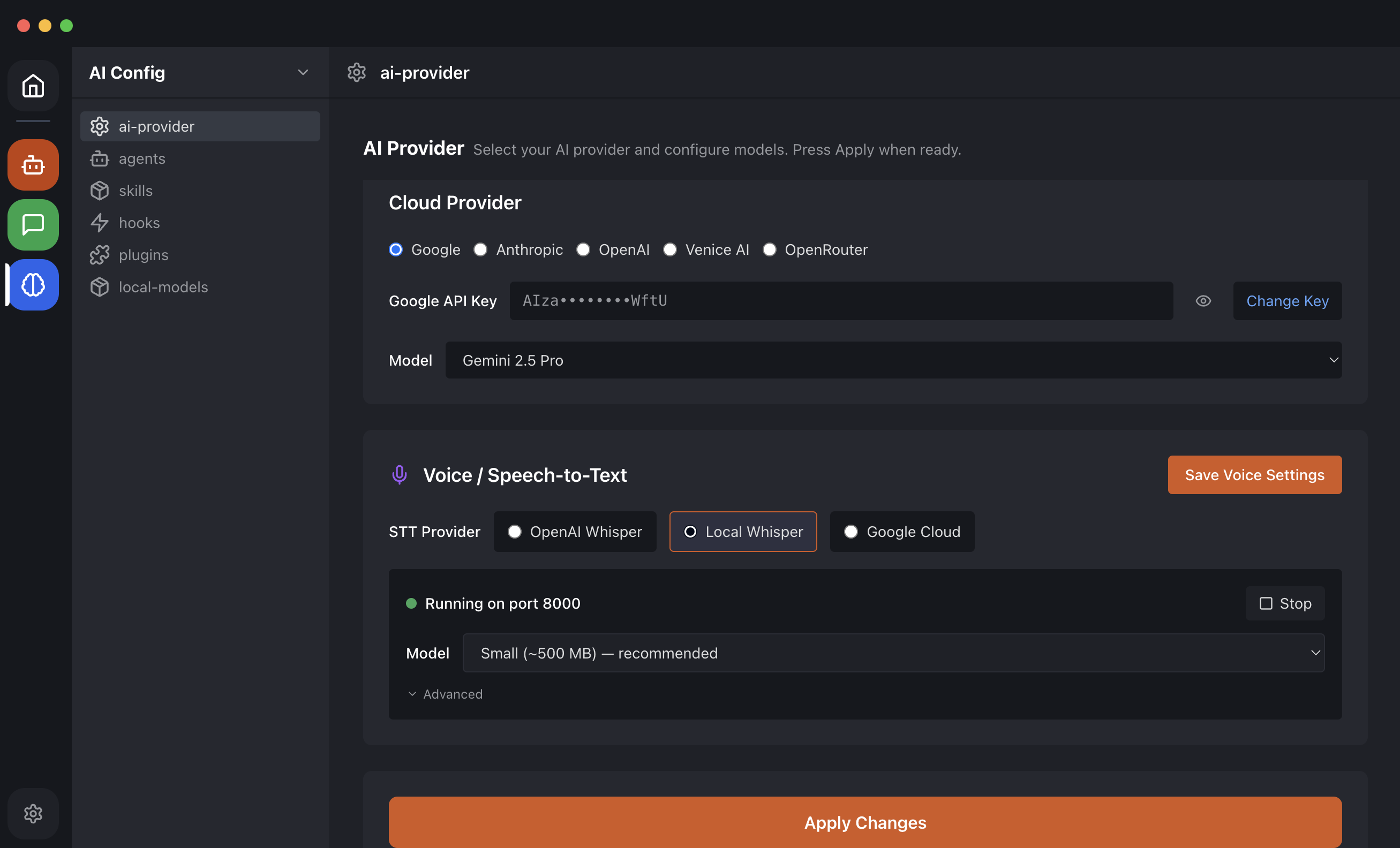
Compare the top AI chatbots for Slack. From OpenClaw Easy to Slack AI and ChatBot.com — find the right one for your team.
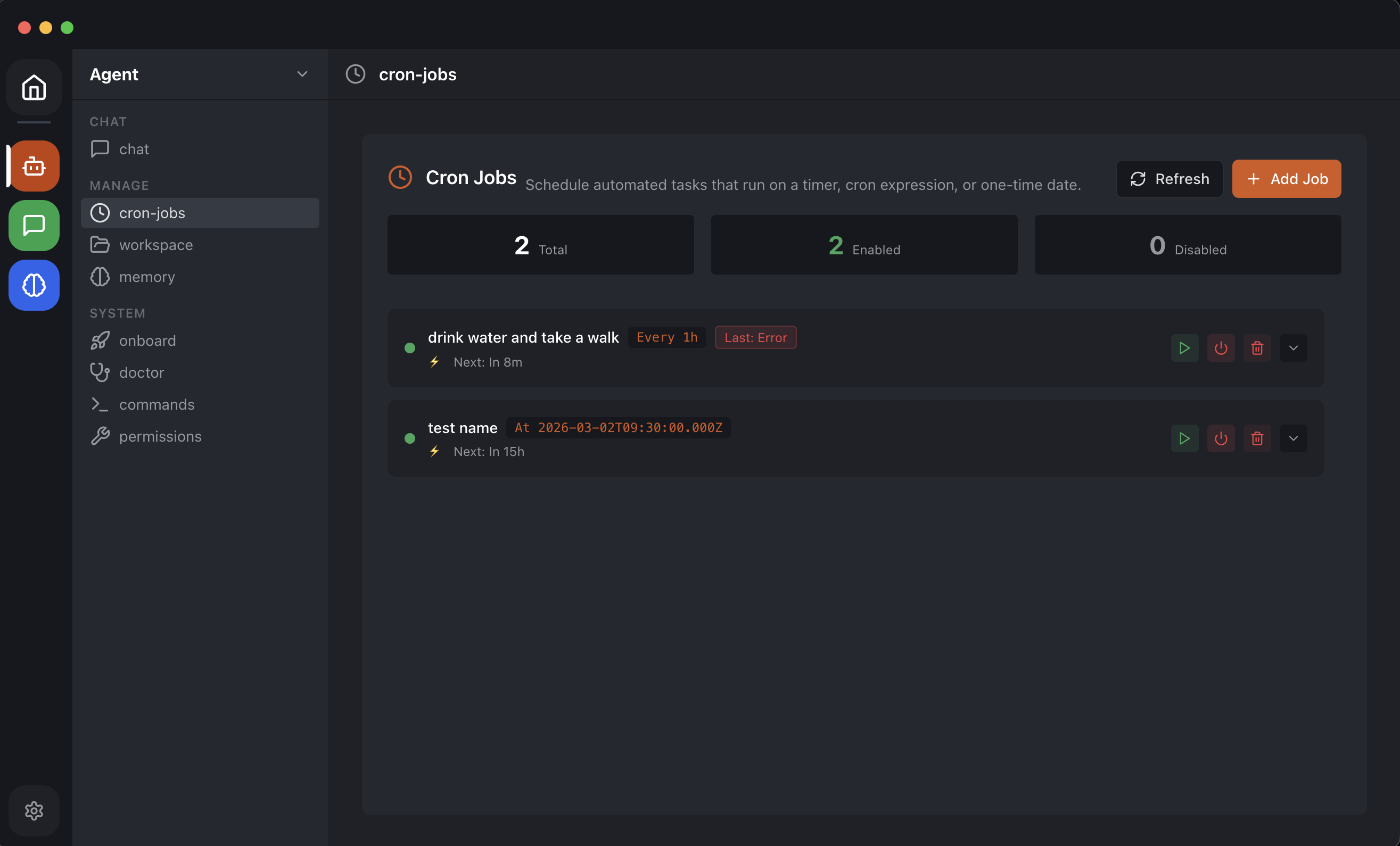
Schedule recurring AI tasks that run automatically. Send daily summaries, timed reminders, and automated messages.
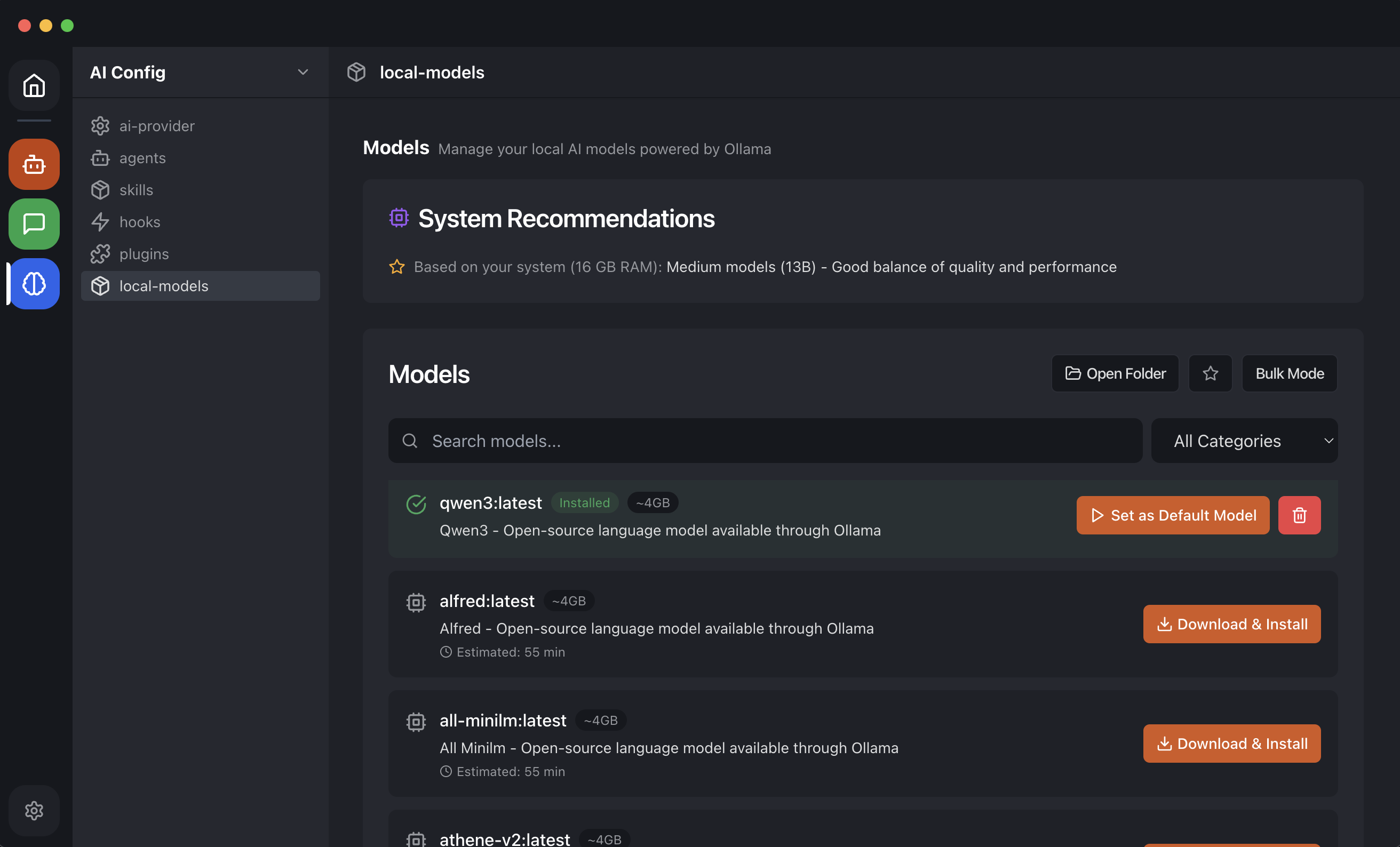
Compare the best free AI desktop apps. From OpenClaw Easy to Jan.ai and LM Studio — find the right one for you.
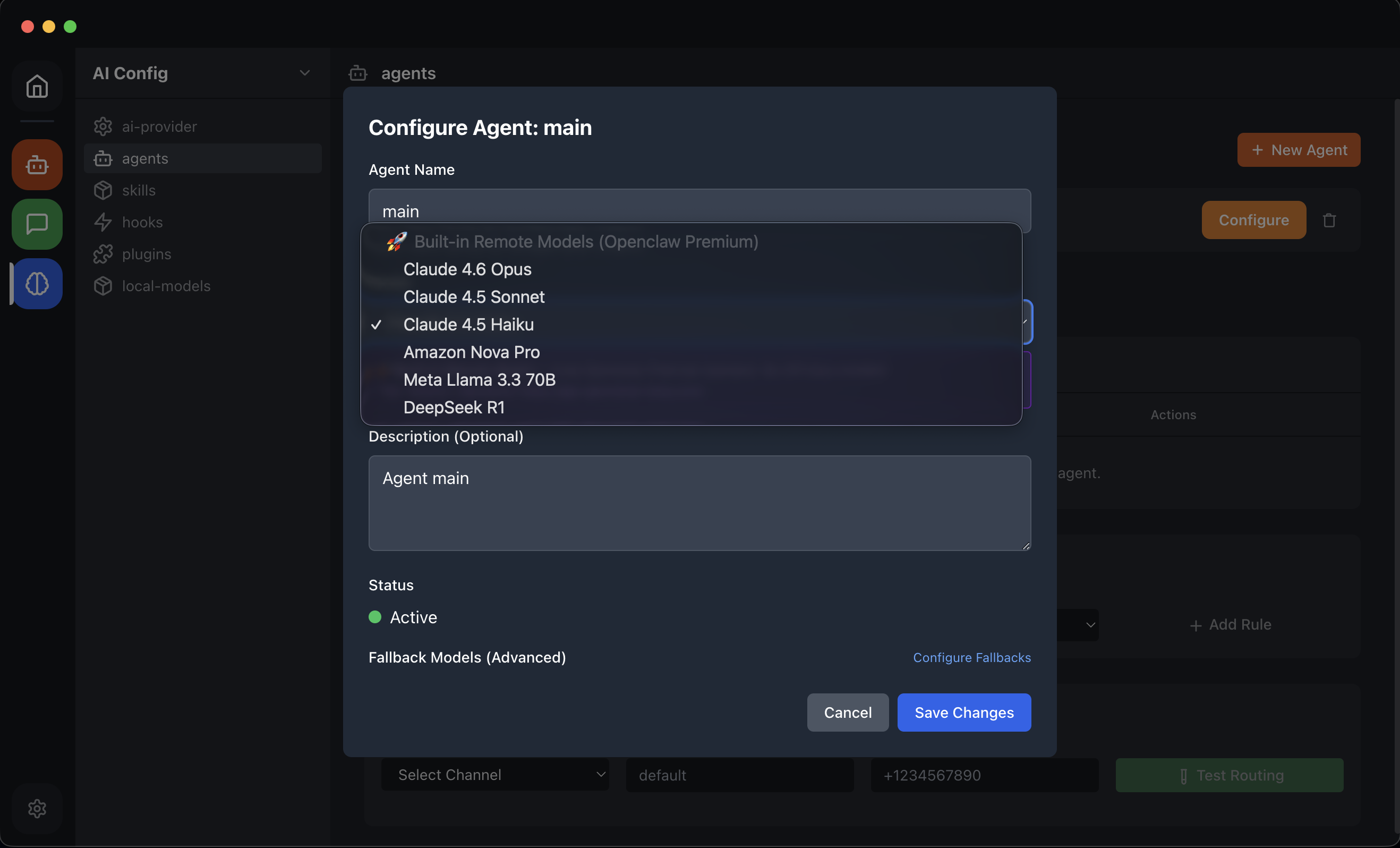
Add an AI bot to your Discord server in 5 minutes. No coding, no hosting, no webhooks. Works with ChatGPT, Claude, and local LLMs.
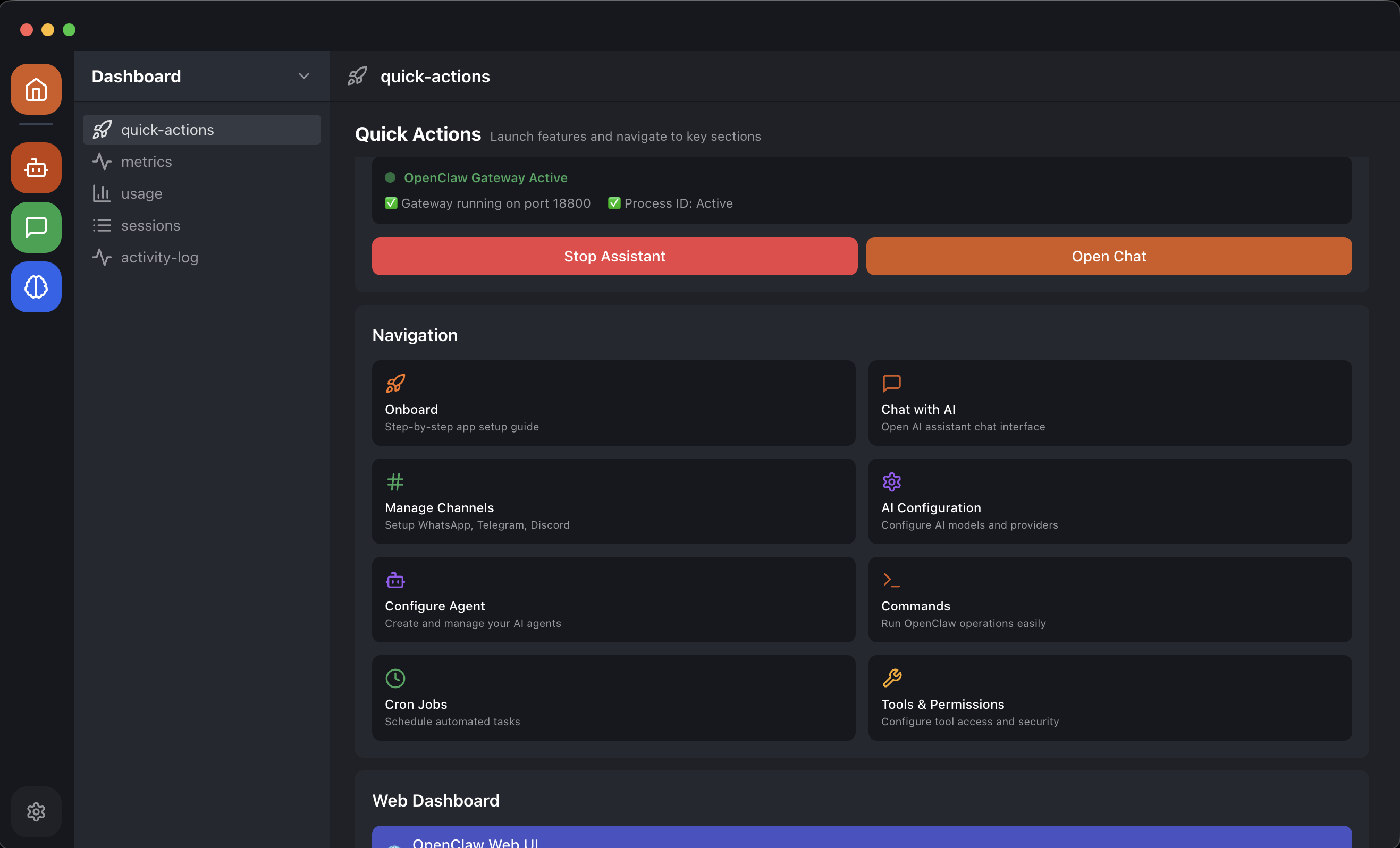
Set up an AI assistant that answers customer questions on WhatsApp automatically. Free, no coding, no monthly SaaS fee.
Run OpenClaw with free local AI models via Ollama. No API key, no monthly bill. Llama 3, Qwen, Mistral, and DeepSeek — all free, forever.
Install OpenClaw on Windows in under a minute. No WSL2, no Node.js, no terminal. Full GUI desktop app with system tray support.
The easiest OpenClaw install guide for beginners. No terminal, no Node.js, no config files. One-click installer for macOS and Windows.
Download OpenClaw Easy for free and have AI live on WhatsApp, Telegram, or Slack in minutes. No coding, no config files.
Free with your own API keys · Premium plans available in-app · No credit card required